Canyon Controls
Lighting controls, for everyone.
A complete, Cat5e-connected ecosystem of dimmers, switches, and sensors — designed to install cleanly, configure instantly, and look unmistakably refined.
Our premise
Where others force a choice, we provide both.
Professional lighting controls shouldn't demand compromise. Our integrated ecosystem bridges powerful functionality with refined, intuitive design — the control you need, without sacrificing the elegance your space deserves.
The lineup
An ever-expanding ecosystem, seamlessly unified.
Every Canyon product connects via a single Cat5e run to the Olympus Room Controller. Pick one, pick four — they work together by design.
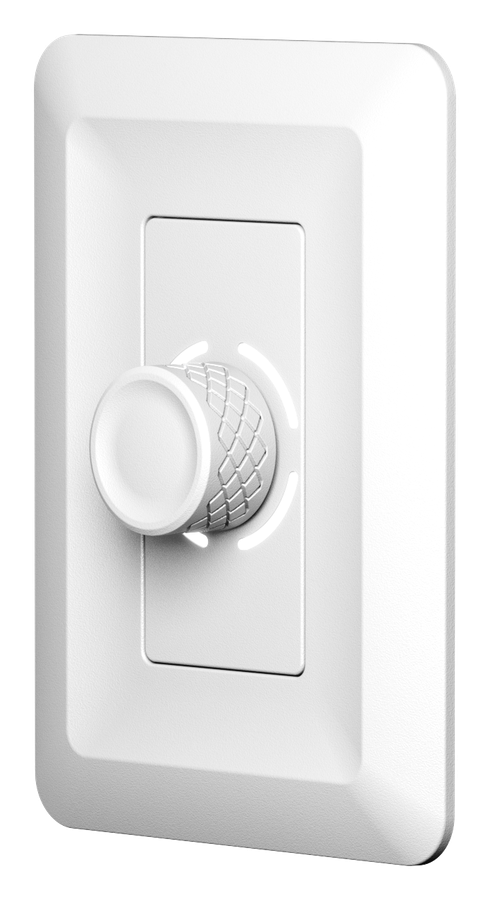
The centerpiece. Intuitive rotary dimming with an LED indicator ring and tactile on/off press.
Explore the Aspen1-, 2-, 4-, or 8-button configurations with swappable faceplates. One frame, endless layouts.
Explore the Tahoma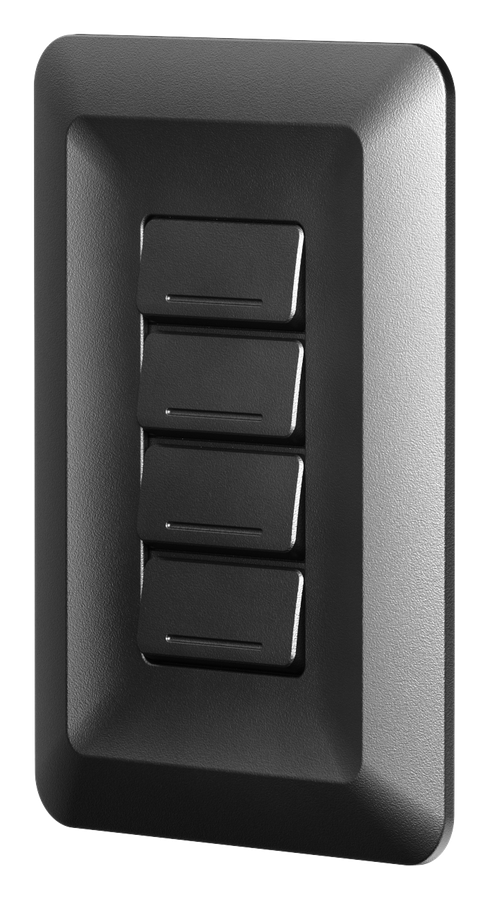
Multi-technology presence detection — PIR with a 360° field of view, audio sensing, and an integrated photocell for daylight harvesting.
Explore the Sierra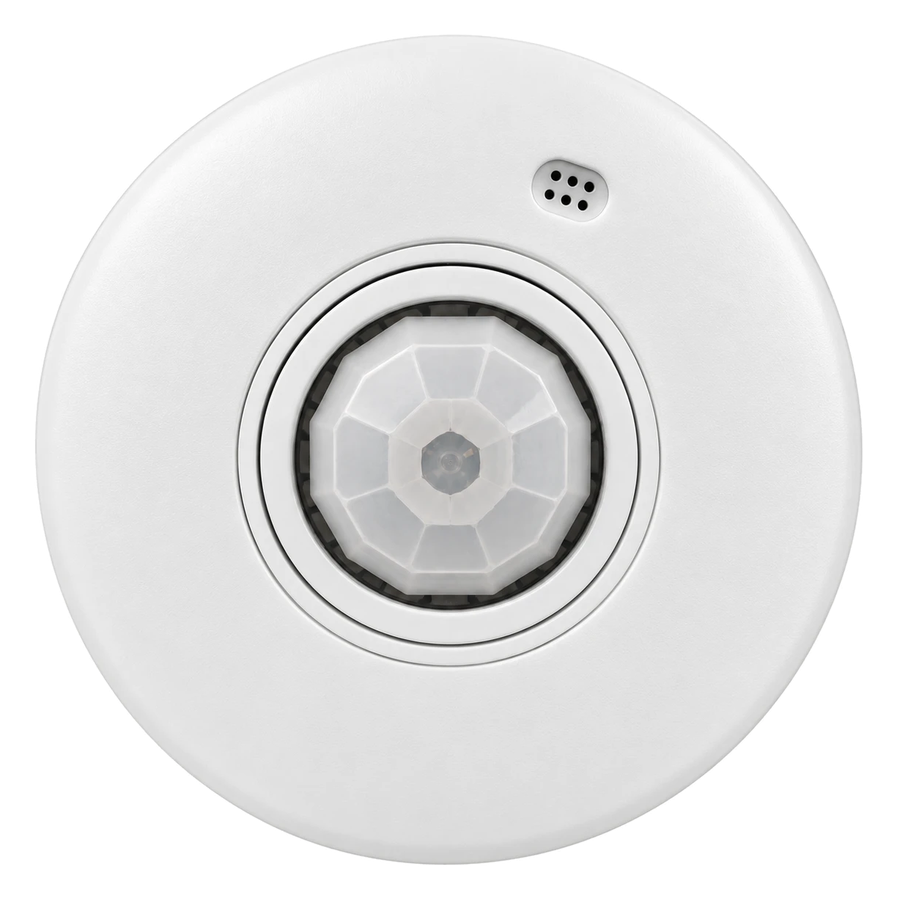
The brain. Two dimming zones, dual 16A relays, and CAN bus device communication — one controller runs the room.
Explore the Olympus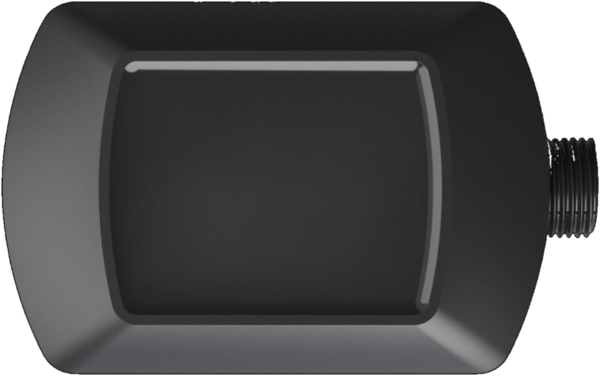
Why Canyon
Designed for the people who install, specify, and live with it.
Refinement is in the details — from the Cat5e home run to the LED indicator ring. Every decision removes friction.
Plug & play
Cat5e connected. Works out of the box from the rear switches — no programming required.
Unified ecosystem
Every device speaks the same language via the Olympus Room Controller. One hub, one cable, one system.
Swap & configure
Interchangeable faceplates and configurable buttons let one product adapt to any zone, any time.
Smart sensing
PIR presence with a 360° field of view, audio detection, and an integrated photocell for daylight harvesting.
Flexible wiring
Two RJ45 ports per device. Run a home-run to each device or daisy-chain them — whatever suits the building.
Power-loss recovery
If the power goes out, every zone comes back exactly as it was. Scenes and schedules are set in the Canyon app on your phone.
Works out of the box
Zone assignment. No programming.
Every Canyon device has a 3-position switch on the back that sets which zones it controls. Flip one switch, mount the device, power it up — you're done. Need scenes, schedules, or custom dimming? The Canyon phone app takes over whenever you want more control.
The system
One cable. Every device.
Every Canyon product connects over standard Cat5e cable and speaks the same language — no gateways, no hubs to license.


Cat5e · CAN bus · set up from the rear switches
Build your system
Not sure what you need? We'll help.
Answer a few questions and we'll recommend the exact Canyon Controls setup for your space — Olympus, Aspen, Tahoma, Sierra. Quick for most, advanced for code-reviewed designs.