Room controller · system hub
The brain. Hidden above the ceiling.
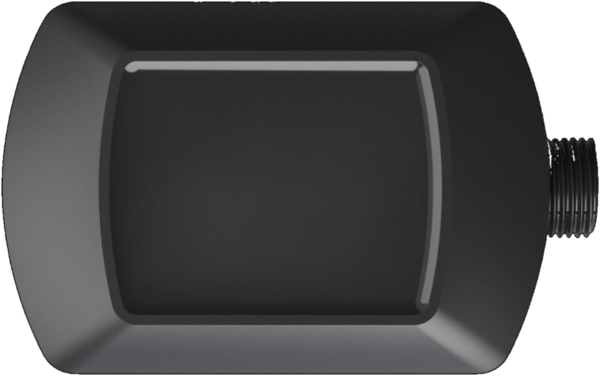
Two 0–10V dimming zones with millivolt precision. Dual 16A relays. Daisy-chainable CAN Bus. Phone app programming. One controller runs a whole room.
Key features
Every intelligent space needs a brain.
Millivolt 0–10V dimming
Two independent dimming zones with smooth, flicker-free response — tuned for modern LED drivers and warm-dim curves.
Dual 16A relays
Two switched 16A relays rated 120V — robust enough for high-load circuits, quiet enough for executive spaces.
CAN Bus connectivity
Two RJ45 ports on Cat5e (T568B) — daisy-chain devices or home-run them back. Sets itself up from the rear switch on every Canyon device.
Phone app programming
The Canyon app on your phone connects wirelessly to configure the controller — timeouts, dimming curves, daylighting, scenes. Combine multiple Room Controllers from the same app.
Power-loss recovery
Zone state is written to non-volatile memory, so every zone returns to the output it held before power was lost. No re-commissioning after an outage.
Daylight harvesting
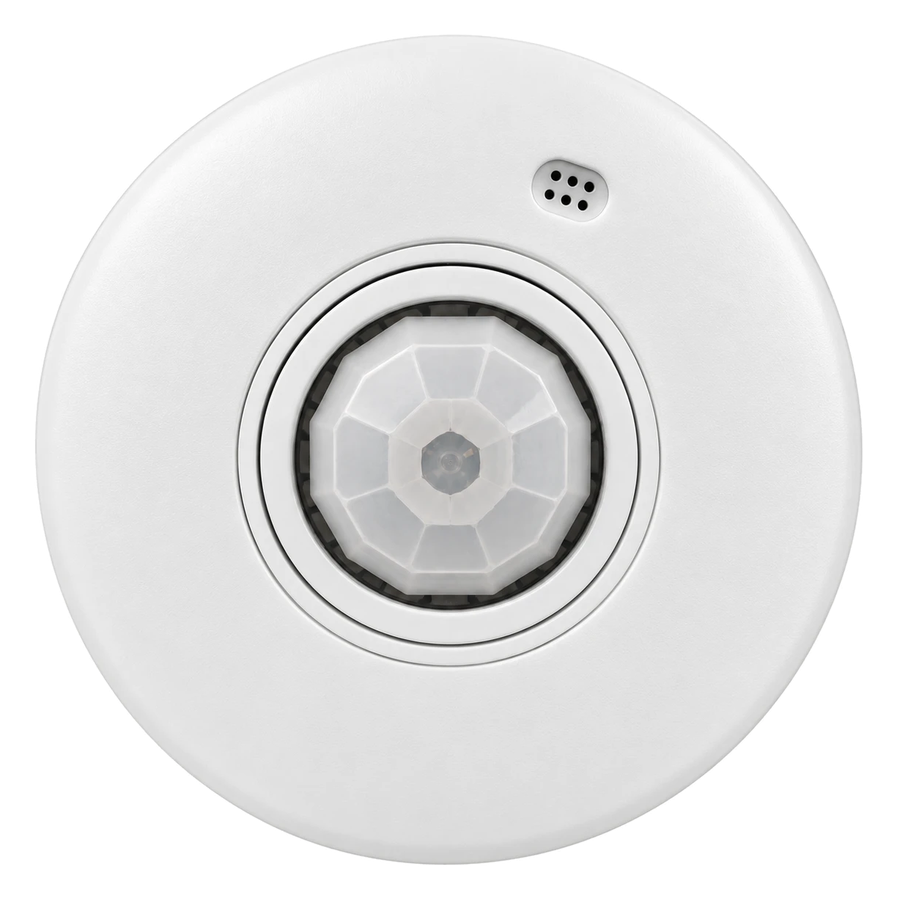
When paired with a Canyon Sierra sensor, the Olympus adjusts artificial light automatically against ambient daylight — holding the target level while cutting energy use.

Works out of the box
Set it once, on the back.
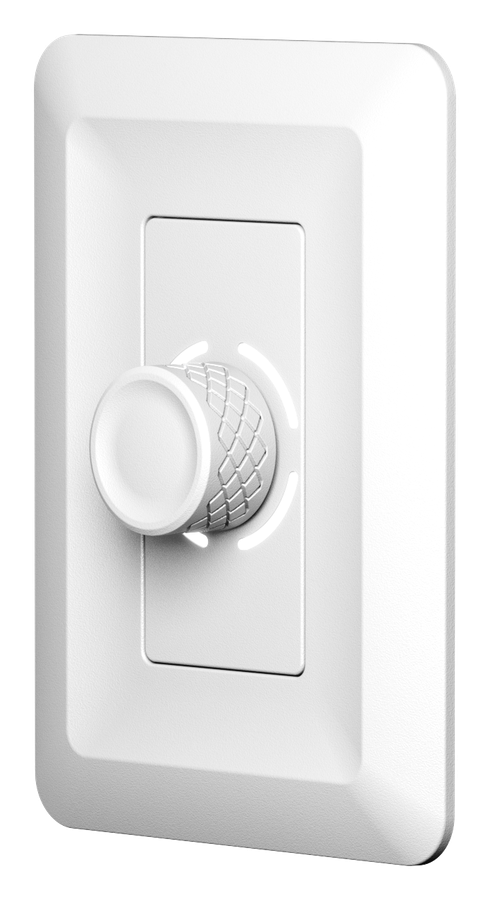
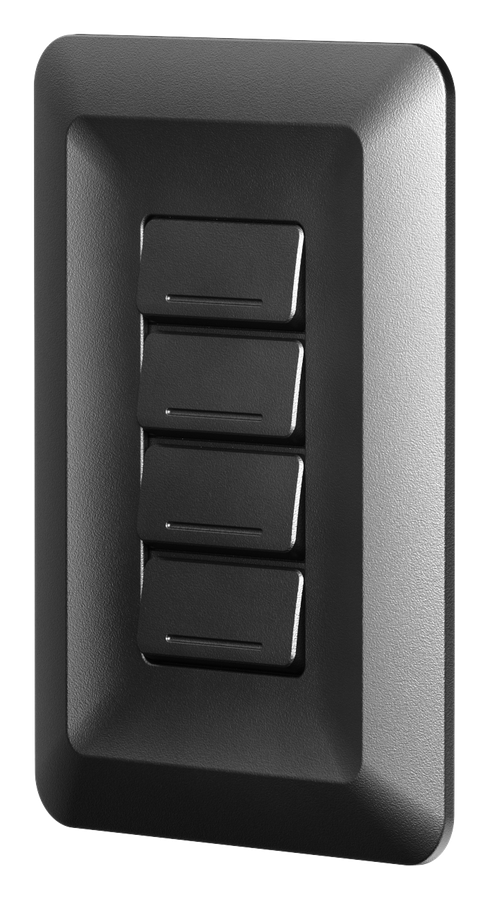
The Olympus is designed for out-of-the-box operation. Every Canyon device on the hub — Aspens, Tahomas, Sierras — uses the same 3-position switch to set which zones it controls. Set switch 1 and the device handles both dimming and relay zones together. Need finer control? Set individual zones, or take over everything in the Canyon phone app.
Installation
From crate to commissioned in minutes.
J-box or above-ceiling
Install in a standard J-box or above a suspended ceiling. Wire line voltage in, loads out. No DIN rail, no enclosure.
Daisy-chain Cat5e
Two RJ45 ports per device. Daisy-chain Aspens, Tahomas, and Sierras — or home-run each back to the Olympus.
Works out of the box
Every device sets itself up from its rear switch. Fine-tune scenes and schedules in the Canyon phone app when you want more.
Specifications
Built for spec.
Values above are taken from specification sheet Rev 1.2, September 2026. The specification sheet governs where it and this page differ.
Documentation
The Olympus spec sheet.
Wiring diagrams
If the viewer above does not display on your device, use the download button. Need this content in an accessible format? Email [email protected] and we will supply it at no charge — see our Accessibility Statement.
Complete the system