Rotary Dimming Control
The Aspen
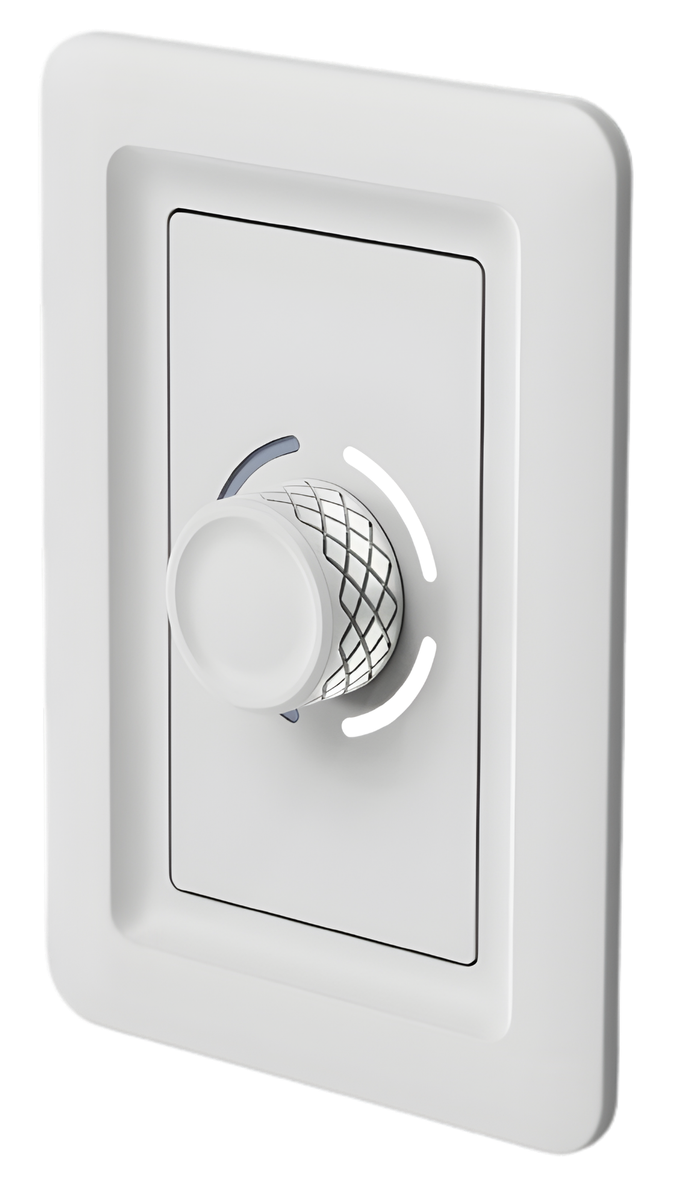
The centerpiece of Canyon Controls — a precision rotary dial for dimming and on/off across one zone or group. The knob features LED intensity indicators delivering both tactile and visual feedback.
Rotary Dimming Control
The centerpiece of Canyon Controls — a precision rotary dial for dimming and on/off across one zone or group. The knob features LED intensity indicators delivering both tactile and visual feedback.
Tap a finish to preview it in the hero above.
White
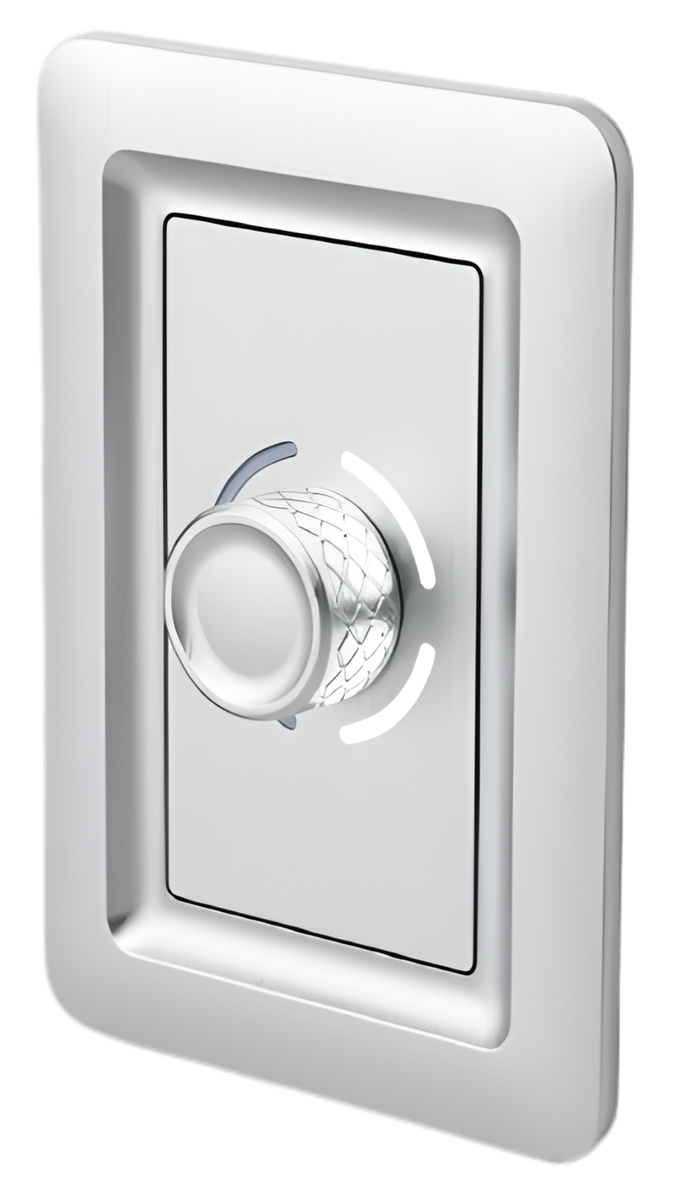
Brushed Aluminum
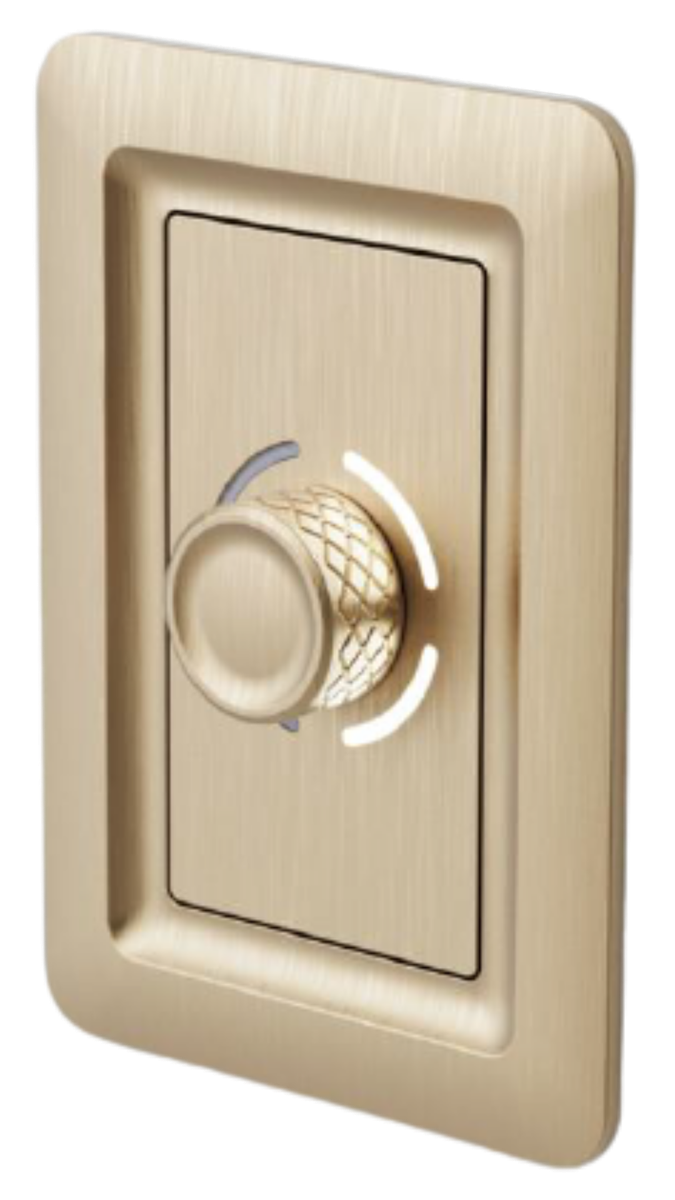
Brushed Brass
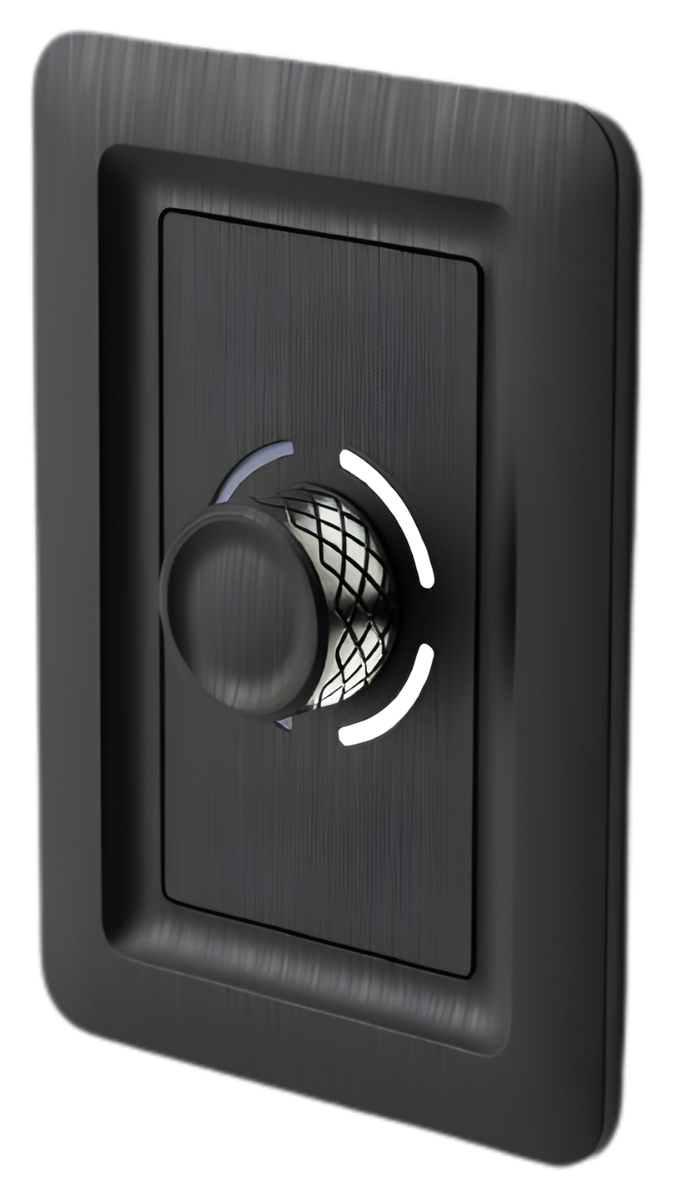
Anodized Aluminum
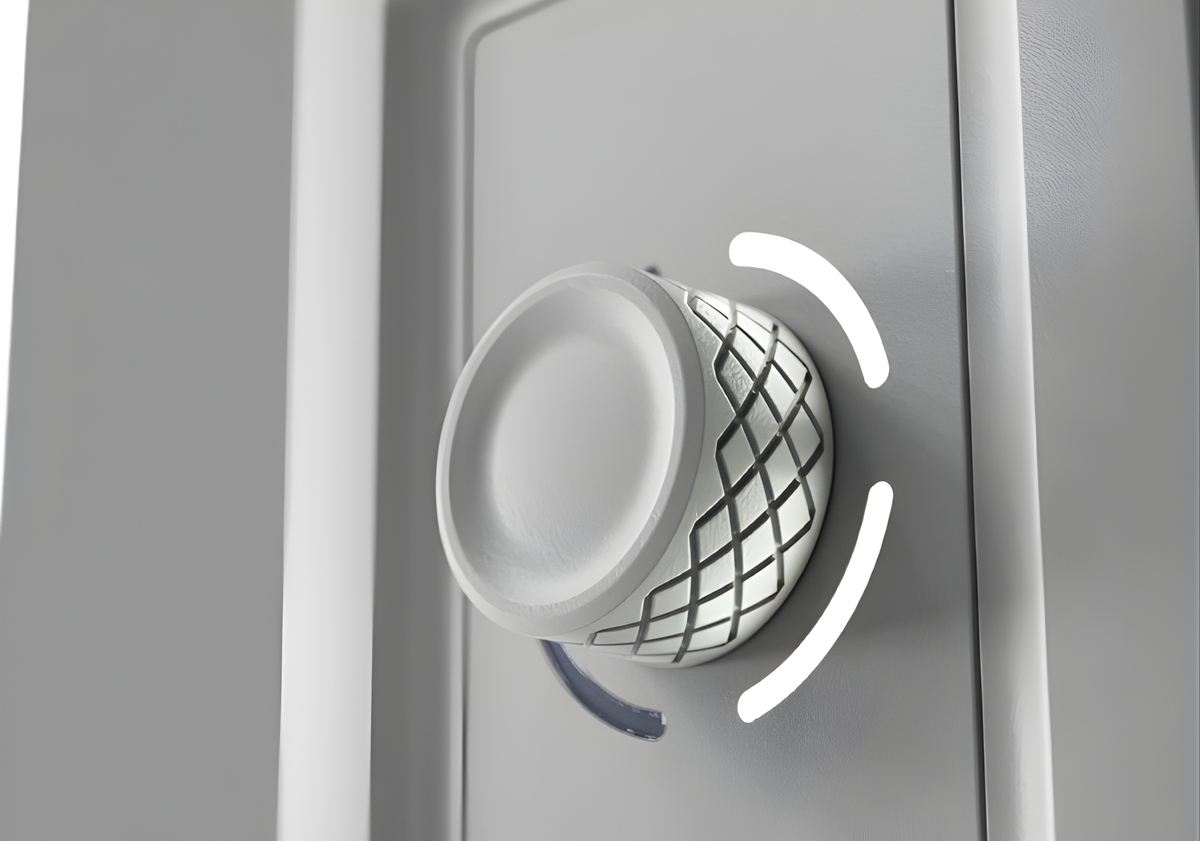
Precision knob detail
The cross-hatched knob provides superior grip while the LED arc indicator delivers real-time dimming feedback — engineered for use you can feel and see.
| Control Type | Rotary Dimmer + On/Off |
| Zones | Up to 4 |
| Connection | Cat5e to the Olympus |
| Zone Selector | Integrated (rear) |
| Indicator | LED Intensity Arc |
| Mounting | Standard single-gang box |
| Faceplate | Standard single-gang faceplate |
| Available Finishes | White, Brushed Aluminum, Brushed Brass, Anodized Aluminum |
Run a single Cat5e cable from the Olympus room controller to the Aspen.
Use the rear zone selector switch to assign your zone — no programming.
Rotate to dim. Press to toggle. LED indicators show intensity in real time.
The Aspen ships with the same 3-position zone selector as every Canyon device. Flip the switch, mount in the single-gang box, and the Olympus picks up your assignment automatically — no app required. Want scenes or schedules? The Canyon app always overrides local settings.
Controls both lighting zones and both 16A relays on the Olympus. The default — and the right pick for 90% of rooms.
Dedicates this device to the first lighting zone on its Olympus.
Dedicates this device to the second lighting zone on its Olympus.