The Sierra — Canyon Occupancy/Vacancy Sensor

Dual-Tech Occupancy Sensor

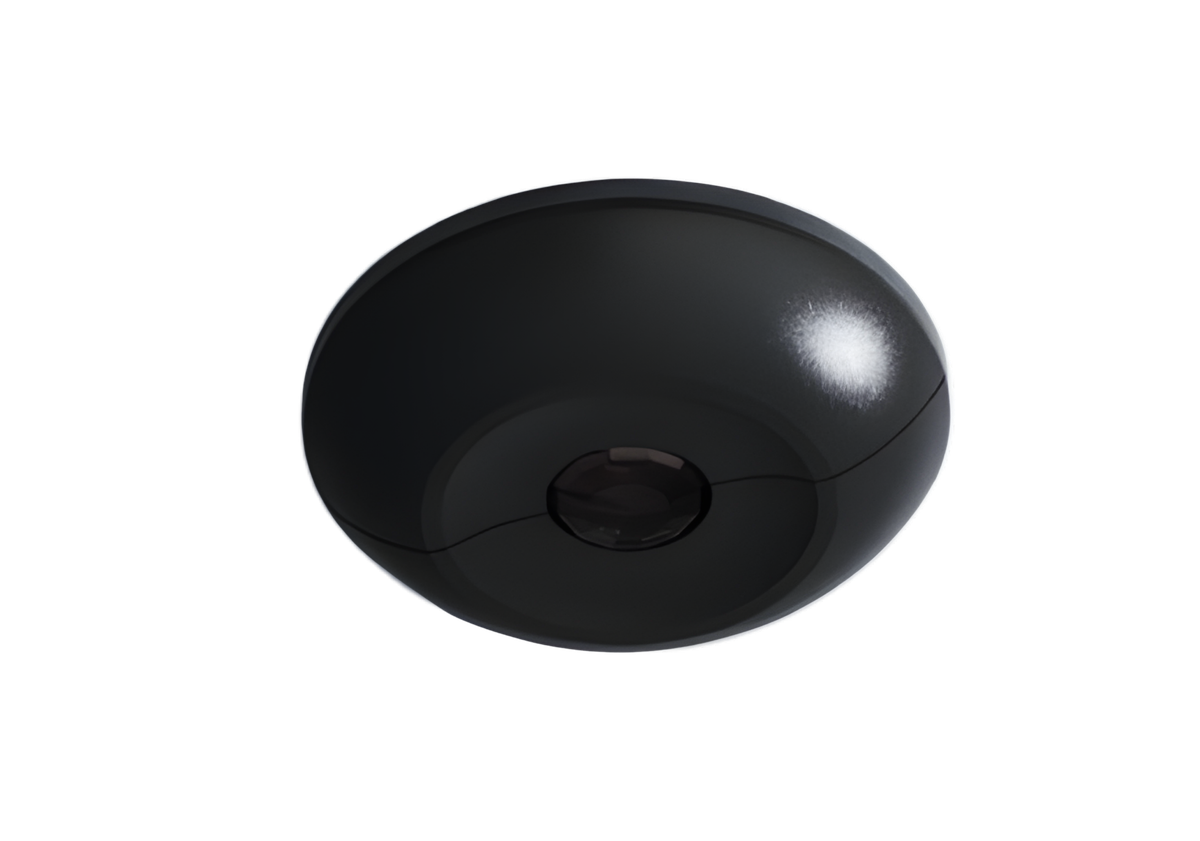
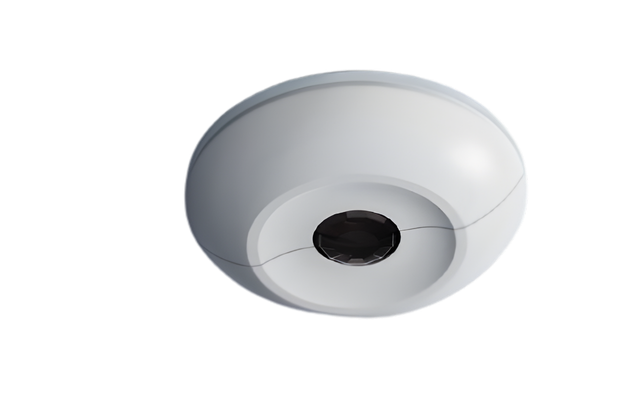
The Sierra

A ceiling-mount dual-technology PIR sensor with audio detection and integrated photocell for daylight harvesting. The adjustable oculus lets you aim the lens exactly where it's needed, while the rear zone selector enables plug-and-play install. Programmable via the Olympus Room controller with Occ/Vac mode switching.
Key features

Accuracy without guesswork

Dual-tech PIR

Motion detection using passive infrared, tuned for commercial spaces.

Audio detection

Picks up subtle occupancy cues like typing or conversation — no missed presence.

Integrated photocell

Ambient light monitoring for automatic daylight harvesting — save energy without thought.

Adjustable oculus

Point or rotate the lens to dial in coverage for any room geometry.

Specifications

Built for spec

Detection TechnologyDual Tech PIR + Audio
PhotocellIntegrated (Daylight Harvesting)
CoverageUp to 1,000 sq ft (ceiling mount)
MountingCeiling, low profile
ConnectionCat5e to the Olympus
PowerVia Cat5 from the Olympus
ModesOccupancy / Vacancy (switchable)
Zone SelectorIntegrated (rear)
LensAdjustable Oculus (360° rotation)
Compatible WithThe Olympus (Canyon Room Controller)
Sierra — Full Spec Sheet (PDF) Dimensions · Wiring · Compliance · 2 pages
Download PDF
Installation

Ceiling-ready in three steps

01

Mount

Install flush in ceiling tile or drywall using the low-profile housing.

02

Connect

Run a single Cat5e home run back to the Olympus room controller.

03

Configure

Set the zone, choose Occ or Vac mode, and adjust the lens direction.

Works out of the box

Zone & mode selection, right on the sensor.

The Sierra ships with the same 3-position zone selector every Canyon device uses — plus a second switch for Occupancy vs. Vacancy mode. Mount, flip two switches, and the Olympus takes it from there. The Canyon app can override either setting whenever you need scene- or schedule-based control.

0
All zones

Controls both lighting zones and both 16A relays on the Olympus. The default — and the right pick for 90% of rooms.

1
Zone 1 only

Dedicates this device to the first lighting zone on its Olympus.

2
Zone 2 only

Dedicates this device to the second lighting zone on its Olympus.

Occ or Vac — your call: the Sierra's second switch selects Occupancy (auto-on, auto-off) or Vacancy (manual-on, auto-off) without touching a screen. Change your mind later? Flip the switch, or override it in the Canyon app. Saves time on troubleshooting and works out of the box for 90% of applications.