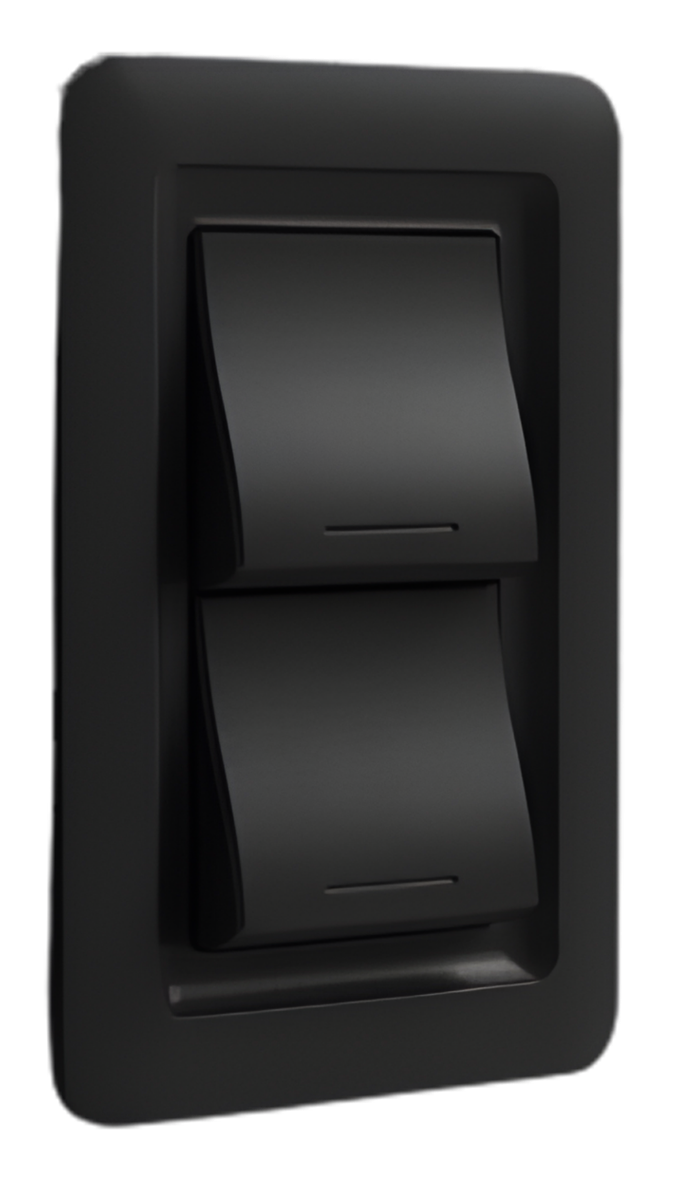
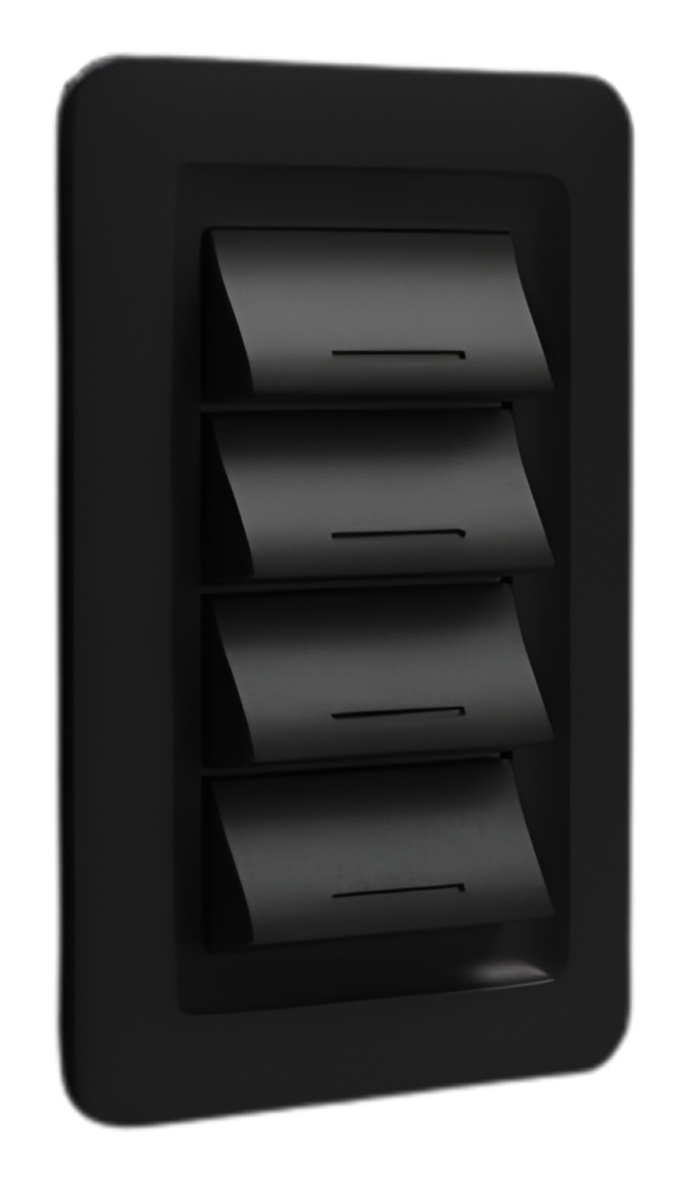
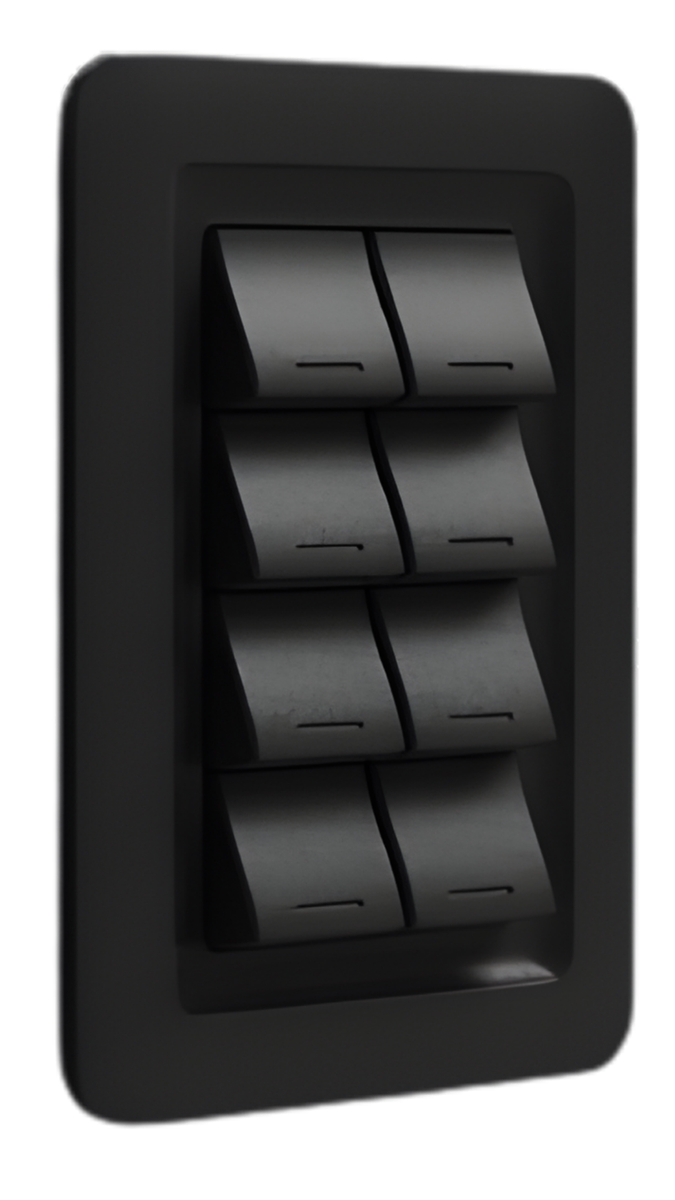
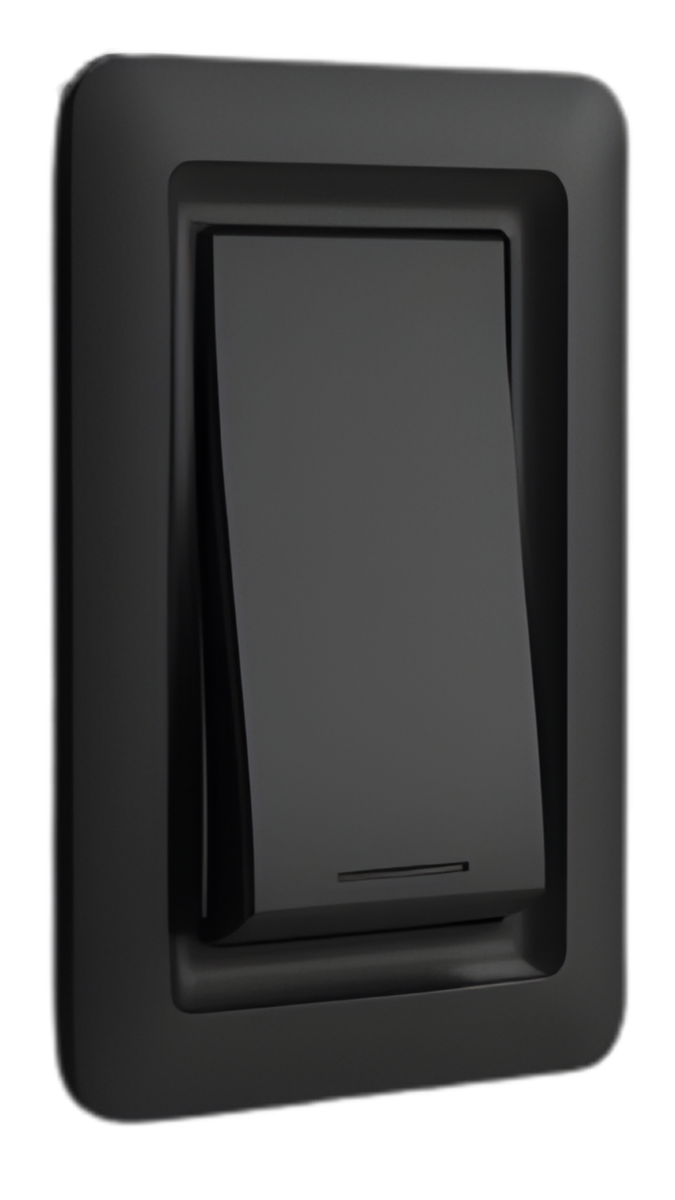
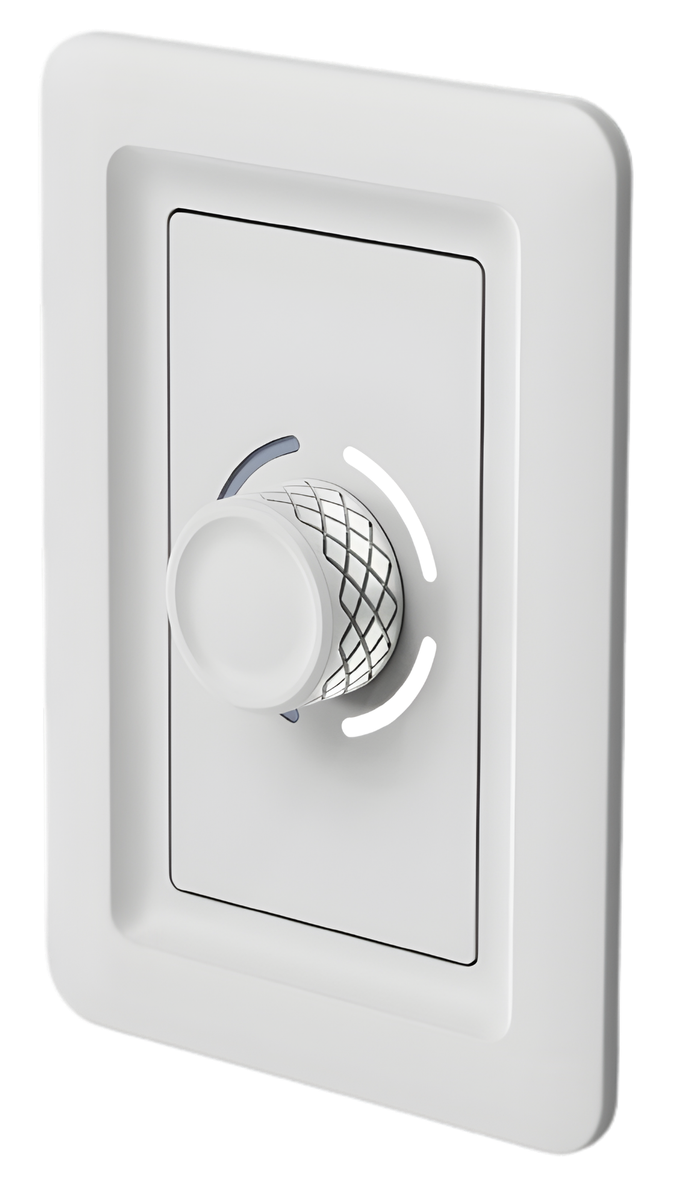
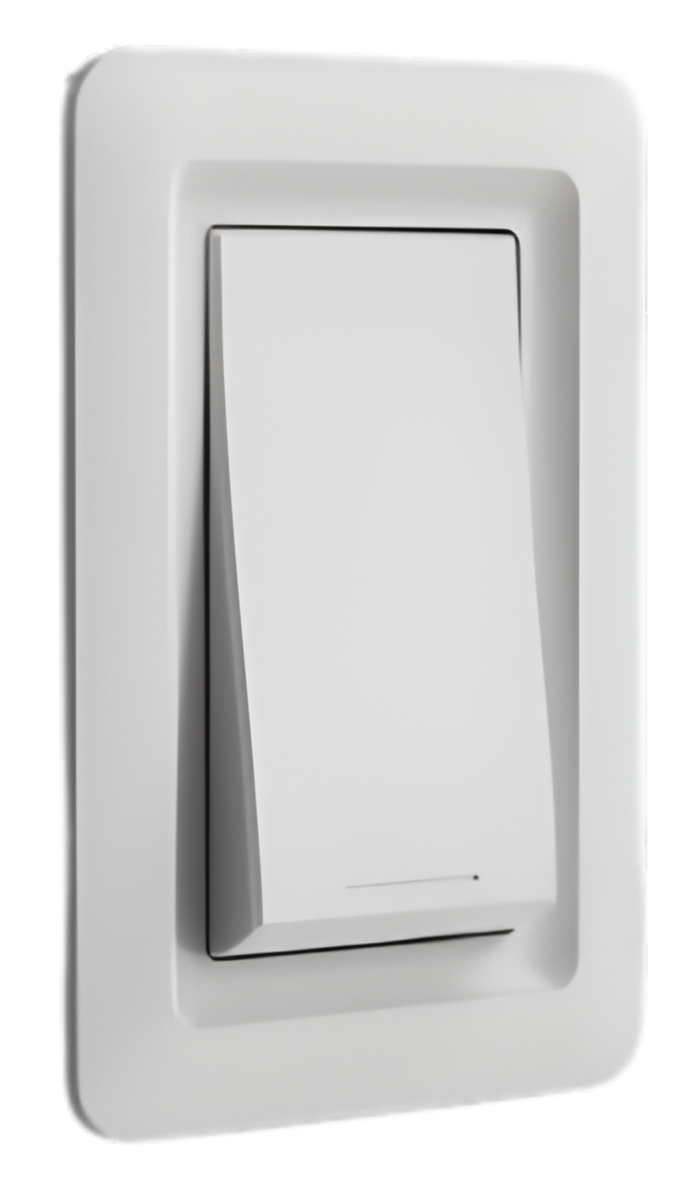
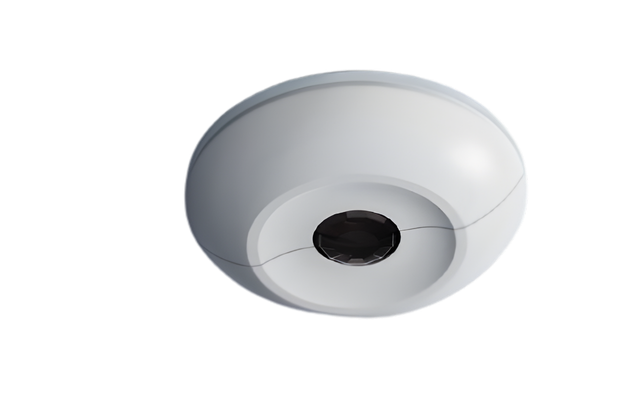
Modular Switch
Available in 1, 2, 3, 4, 5, 6, or 8-button configurations with interchangeable faceplates. Uses the same exterior frame as the Aspen — swap the modular buttons to change the layout. Every Tahoma connects via Cat5e with an integrated zone selector for plug-and-play installation.
Tap a configuration to preview it in the hero above.
1-Button
2-Button
4-Button
8-Button


To reduce manufacturing cost without compromising quality, the Tahoma shares its exterior frame with the Aspen. Only the center faceplate changes to create different button layouts — which means every Canyon wall control looks cohesive in your space, regardless of configuration.
| Control Type | Momentary Push Button |
| Configurations | 1, 2, 3, 4, 5, 6, or 8 Button |
| Connection | Cat5e to the Olympus |
| Zone Selector | Integrated (rear) |
| Colors | White, Black |
| Finishes | Brushed Brass, Brushed Aluminum, Anodized Aluminum |
| Mounting | Standard single-gang box |
| Faceplate | Interchangeable center panel |
Best for single-zone non-dimming on/off control or basic scene selection.
Best for single-zone dimming control — pairs Aspen-like behavior in a button format.
Best for 2 zones of dimming or complex multi-zone setups with scenes.
Each Tahoma — whether it's a 1, 2, 3, 4, 5, 6, or 8-button faceplate — ships with the same 3-position zone selector as the rest of the Canyon family. Flip the switch, mount, and the Olympus picks up the assignment automatically. The Canyon app is there when you want multi-scene programming, and it always overrides the local setting.
Controls both lighting zones and both 16A relays on the Olympus. The default — and the right pick for 90% of rooms.
Dedicates this device to the first lighting zone on its Olympus.
Dedicates this device to the second lighting zone on its Olympus.