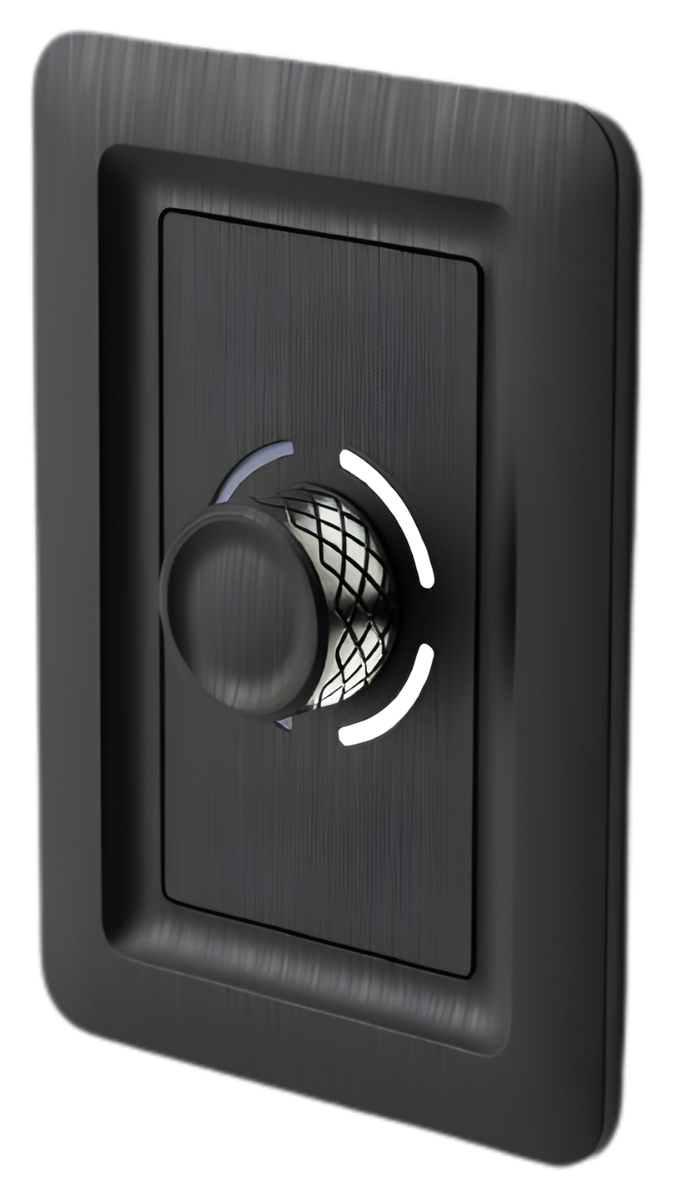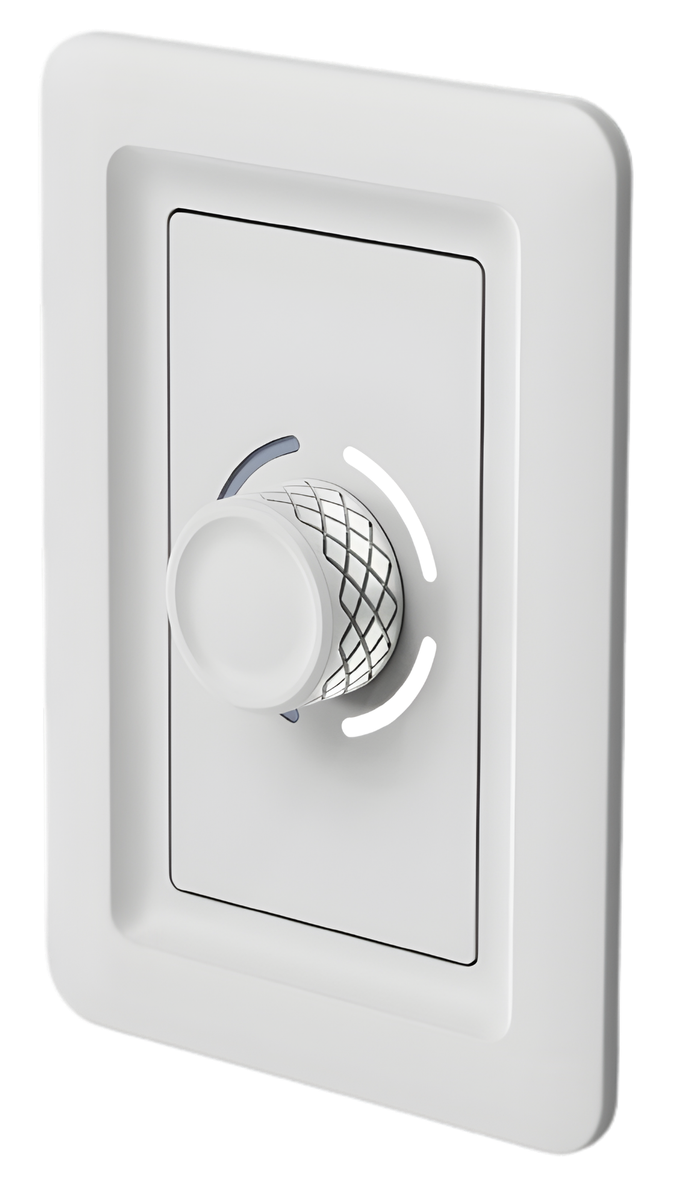
The Aspen — Canyon Dial in white
Rotary Dimming Control
The Aspen

The centerpiece of Canyon Controls. A precision rotary dial for dimming and on/off control across one zone or group. LED intensity indicators around the knob show dim level at a glance.

Dimmer + On/Off Rotary Control LED Indicators Cat5e Connected

Available finishes

White

White

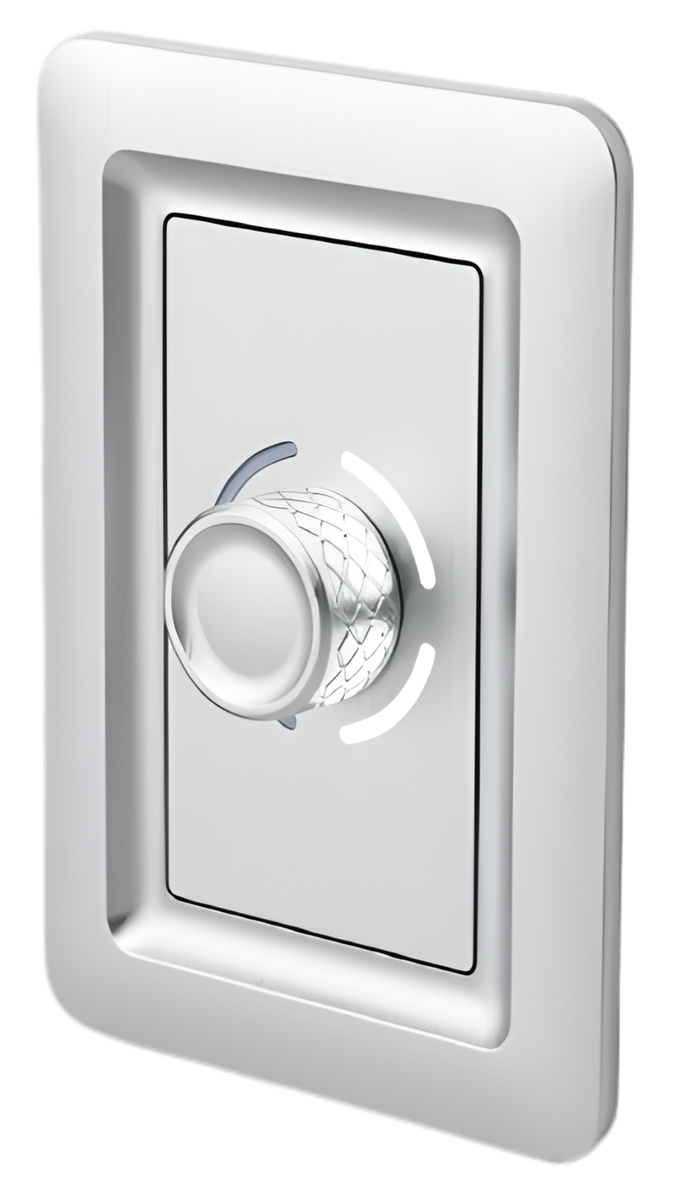
Brushed Aluminum

Brushed Aluminum

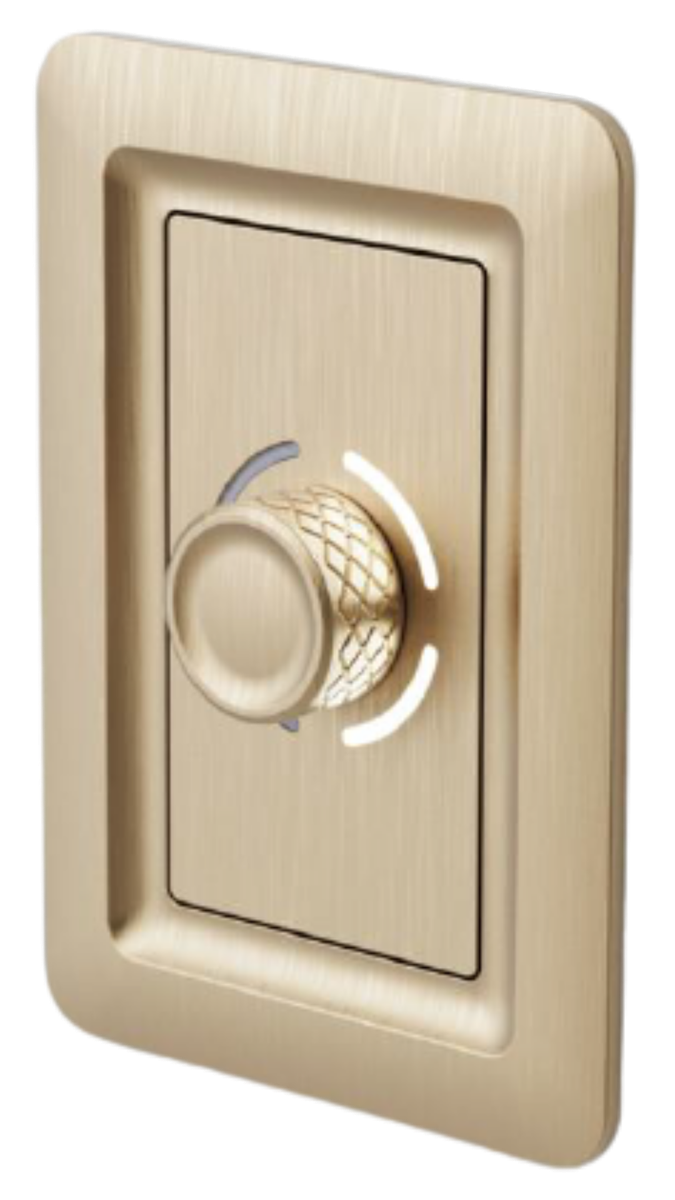
Brushed Brass

Brushed Brass

Anodized Aluminum

Anodized Aluminum

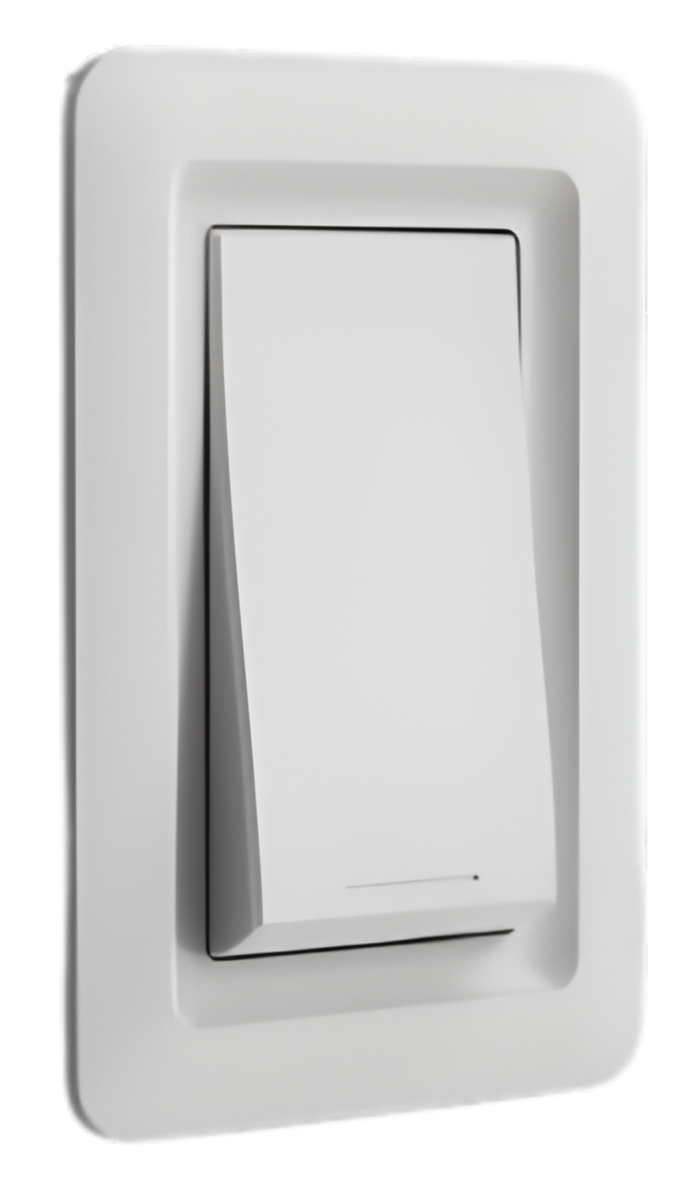
The Tahoma — Canyon Switch, 1-button configuration
Modular Switch

The Tahoma

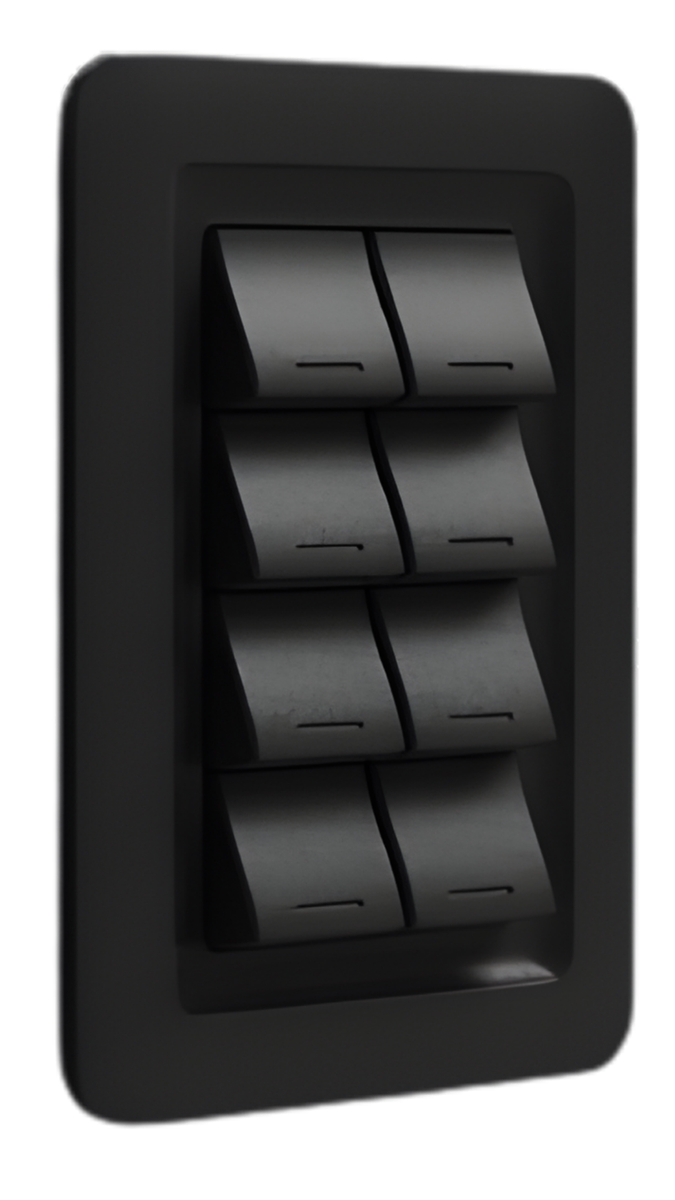
Available in 1, 2, 3, 4, 5, 6, or 8-button configurations with interchangeable faceplates. Shares the exterior frame of the Aspen — swap the modular buttons to change the layout.

1/2/3/4/5/6/8 Buttons Modular Buttons Zone Selector Cat5e Connected

Configurations

1-Button

1 Button

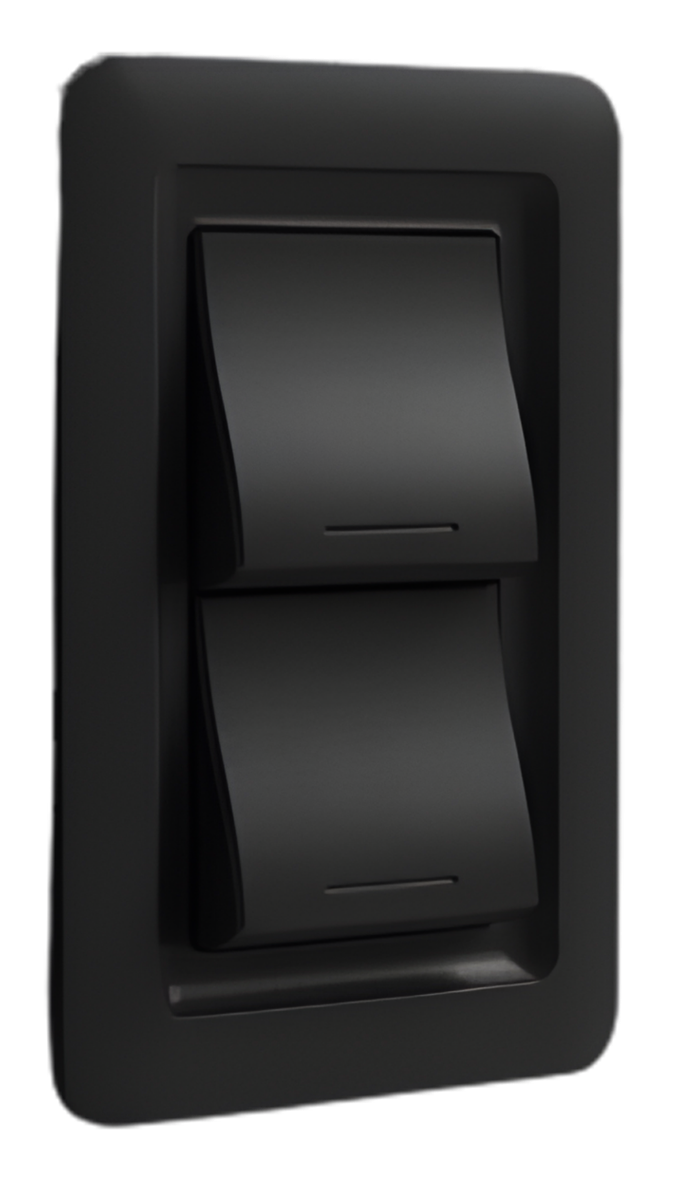
2-Button

2 Button

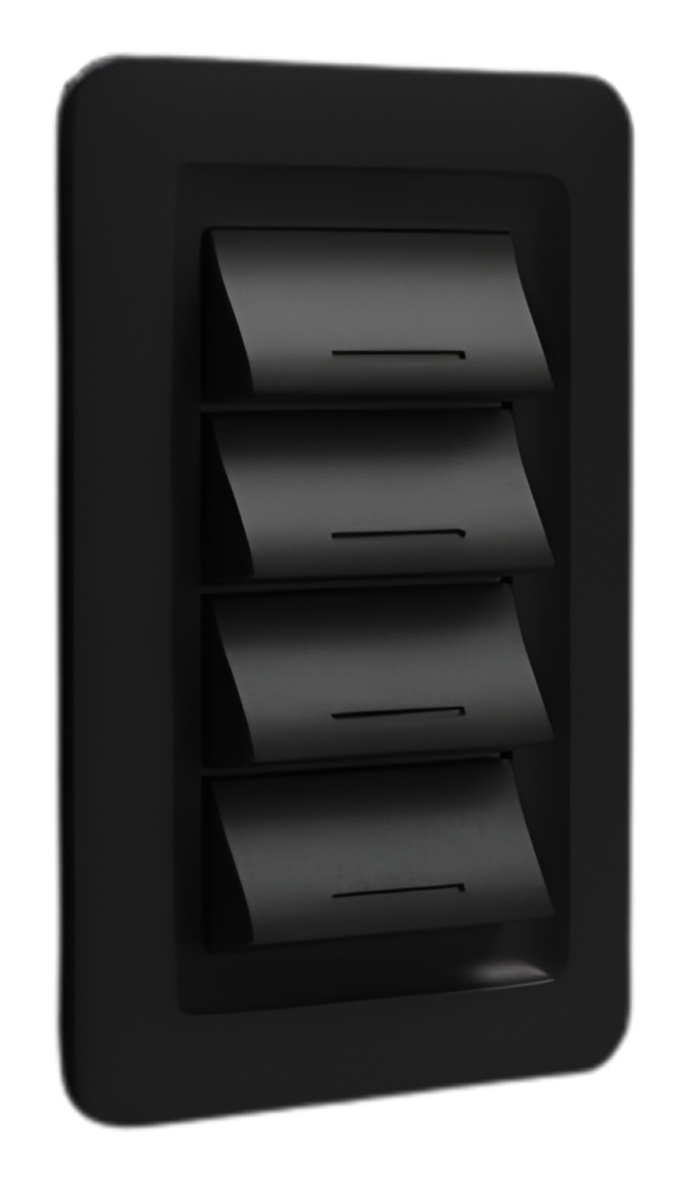
4-Button

4 Button

8-Button

8 Button

The Sierra — Canyon Occupancy/Vacancy Sensor
Dual-Tech Occupancy Sensor

The Sierra

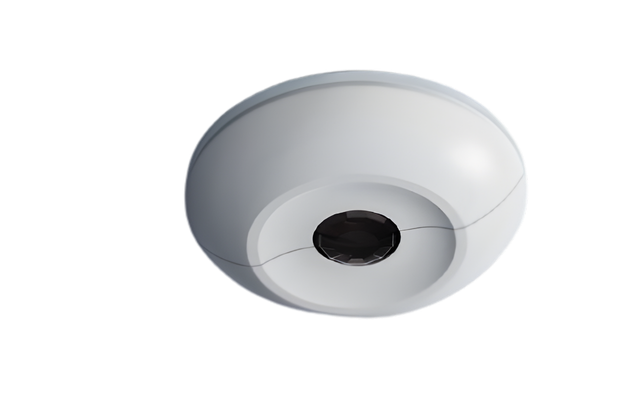
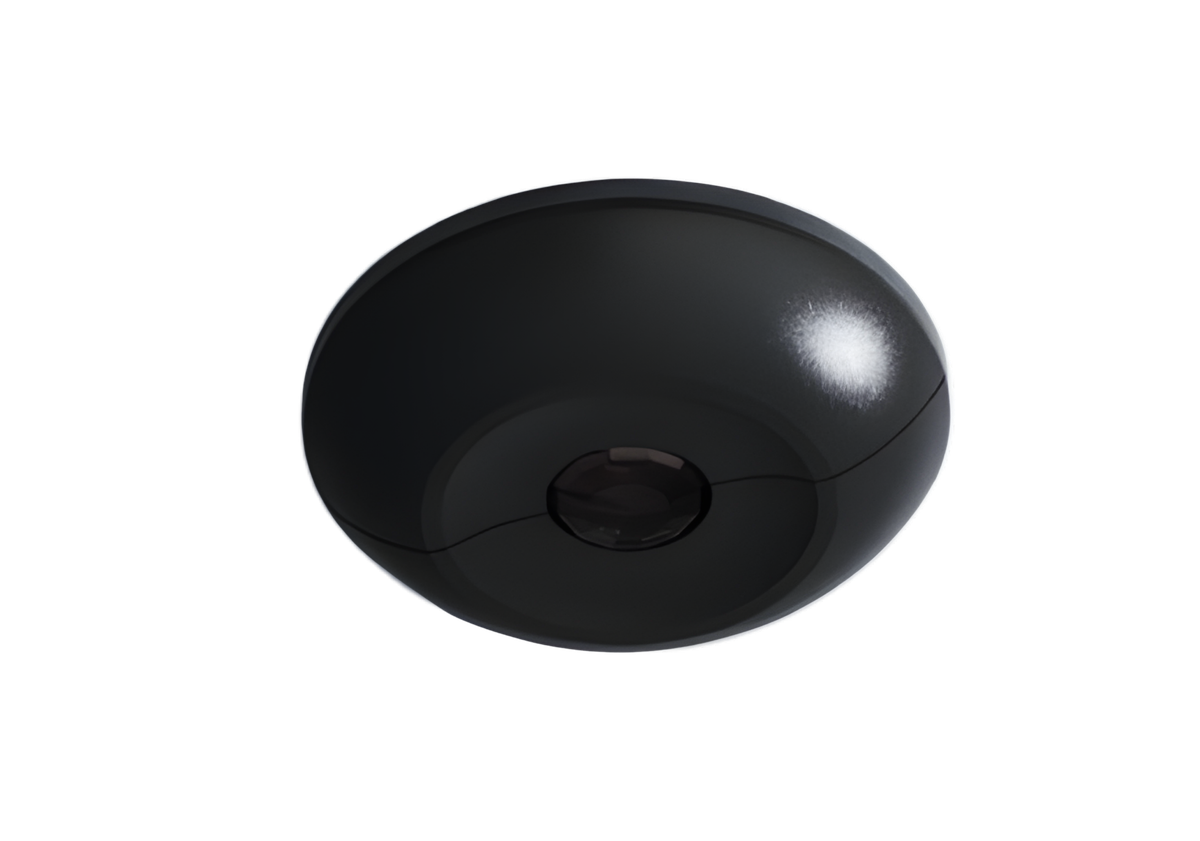
Dual Tech PIR sensing with audio detection and an integrated photocell for daylight harvesting. Includes an adjustable oculus for precise lens aiming, and a rear zone selector for plug-and-play installation.

Dual Tech PIR Audio Detection Photocell Adjustable Oculus Occ/Vac Modes

Available variants

White

White

Black

Black

The Olympus — Canyon Room Controller
Room Controller · System Hub

The Olympus

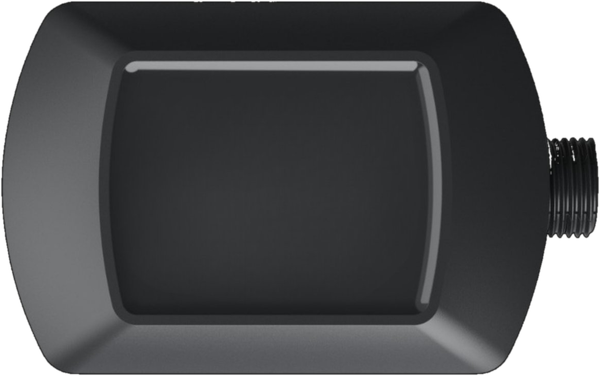
The brain behind every Canyon-powered space. Two independently controlled 0–10V dimming zones with millivolt precision, dual 16A relays rated 120/277V, and daisy-chainable CAN Bus ports that auto-discover every downstream dial, switch, and sensor. Onboard Bluetooth enables advanced programming via the Canyon app.

2× 0–10V Dimming 2× 16A Relays 120/277V CAN Bus Bluetooth Timeclock

Highlights

PLUG & PLAY

Auto-program

DAYLIGHT

Harvesting-ready

MOUNTING

J-box / ceiling

The Canyon Ecosystem

One cable. One hub. One cohesive system.

All Canyon devices connect through a single Cat5e home run to the Olympus — providing both power and communication.

The Olympus
Cat5e

The Aspen

Rotary dimming

The Tahoma

Button control

The Sierra

Occupancy sensing

One cable. One ecosystem. Zero programming required.

Shared by every Canyon device

One selector, three positions, zero programming.

The Aspen, Tahoma, and Sierra all ship with the same 3-position zone selector on the back of the device. Mount, power up, and the Olympus does the rest — no commissioning, no app, no troubleshooting. The Canyon app is available for scenes and schedules, and always overrides local settings.

0
All zones

Controls both lighting zones and both 16A relays on the Olympus. The default — and the right pick for 90% of rooms.

1
Zone 1 only

Dedicates this device to the first lighting zone on its Olympus.

2
Zone 2 only

Dedicates this device to the second lighting zone on its Olympus.

Sierra bonus: the Dual-Tech sensor adds a second switch for Occupancy vs. Vacancy mode. Flip it on the device, or override it in the Canyon app — whichever is faster on the jobsite.

Ready to configure your system?

Use our system configurator to find the right Canyon Controls setup for your space.

Launch configurator